
The landscape for how to start a blog in 2026 might be changing…but in my opinion, there has never been a better time to do it. The amount of free online tools and resources is astounding, and more and more people are realising just how valuable having a blog really is.
In this post, I’m going into detail on how to build a blog literally from scratch in 2026, to help you get started on your writing journey. Keep reading to learn…
- Is it worth starting a blog in 2026?
- Before Launching the Blog
- Prepping Content
- Launching the Blog
- How to Grow Your Blog Further…
Is it Worth Starting a Blog in 2026?
I’ve been seeing this question more and more on Reddit over the past few months. Especially when SEO, GEO, and AI are changing the landscape for web traffic and blog monetisation, it makes sense to wonder whether launching a blog in 2026 is even worth doing.
Well, the answer really depends on what you’re hoping to get out of a blog. I’ll be frank, making money from a new blog in 2026 is a long and tough process. Many people don’t get as many clicks as they used to, and navigating the ever-changing search engine algorithms isn’t easy. However, that doesn’t mean it’s impossible…and what’s more, there are more reasons to start a blog than just a quick trip to passive income.
I initially started my blog as a way to create new client leads, demonstrate my work, and build credibility in my niche. All of these things, I have been able to achieve over the last two years. I’ve also implemented affiliate links and worked with companies on sponsored content. And, to be totally transparent, I’ve also seen my web traffic steadily increase over time, all whilst the Reddit “experts” claim that SEO is dead.
The truth is that starting a successful blog takes a lot of time, and you’re unlikely to see a return on that investment for at least 6-12 months. However, if you are ready and able to put in the work with realistic end goals, then it’s absolutely worth starting a blog in 2026.
Can You Monetise a Blog in 2026?
Yes. I know because it’s 2026, and my blog is monetised. That doesn’t mean it’s a quick or easy process, but it is possible. My goal for 2026 is to surpass $400/month in passive income for my site, which gets 8k-10k monthly views.
I don’t recommend looking into any form of monetisation until you surpass at least 5k views/month, which did take me personally over a year to reach. That doesn’t mean you can reach that goal faster; it just all depends on how much time and effort you’re putting in, as well as your niche.
Before Launching the Blog
This is for anyone who doesn’t yet have a blog or website and is starting completely from scratch. Don’t worry! The great thing about starting a blog in 2026 is that it is easier than ever. There are a bunch of useful (and free) tools, and endless online resources to get you set up and started in no time.
1. Choose a Niche
First things first, you need to decide what your blog will be about. You don’t have to go too specific into your niche just yet (I actually advise that you stay broad at the beginning), but you do need to know roughly what you’ll be writing about. This might mean travel, business, finance, fashion, lifestyle, etc.
Whichever niche you choose will then affect everything from the website’s name to the branding and your content plan. Your blog goals should also be directly tied to the niche, e.g., if you want to use a blog to get UX clients, you should probably be making a UX blog.
2. Do Some Basic Branding
At this point, you really don’t need to have your brand perfectly curated. Trust me, your website is probably going to go through many, many iterations before settling on the one you like best. However, having a basic idea of the website’s branding is going to help you out a lot.
For instance, I chose a colour palette and name that I really liked right from the jump. This made choosing a theme and style for the blog itself much easier, and gave me a framework for my future designs and choices.
I actually also paid someone on Fiverr about £100 to make me a logo relatively early into launching my blog. This isn’t essential, and honestly, you could probably make your own logo relatively easily. Whether you make one yourself or commission someone else, a logo does bring the branding together and creates an overall more polished feel around your blog.
3. Make the Website
Now, it’s time to get you a blog! I personally use and highly recommend WordPress for this. It is the industry standard, and helps people build websites specifically for blogging. It has a free plan if you’re not ready to invest any money yet, with lots of themes to choose from that can be customised to your branding.
My recommendation is to create a WordPress account, choose a name for your blog, select a pre-existing template, mess around with the colours until you’re happy, and then get started. I do think it is worth at least buying the domain name from WordPress (this means your URL will be yourwebsite.com instead of yourwebsite-wordpress.com or something similar. Having the personal URL makes the site immediately look more professional and will help you with SEO down the road.
I will say, WordPress is not the only option. Some people find Wix or Squarespace easier to use, and their websites do look great. The only issue is that they’re not immediately designed for posting blogs, and you might run into some frustrations later on.
Prepping Content
Once you have your website, you can start thinking about what you’re actually planning to post on it! A lot more goes into a successful blog post than just writing whatever you want, whenever you want. Below, I’m sharing a few guidelines to help set your content up for success.
4. An SEO Crash Course
When I started my blog, I had no idea what SEO was. So, if you’re in the same boat as I was, then you’ve come to the right place. Here is a super quick overview of what SEO means:
SEO (or search engine optimisation) refers to the methods used to improve a webpage’s chances of ranking higher in a search engine’s results. In other words, if someone were to search for a topic on Google, SEO is what helps your blog post pop up at the top of the search results list.
A lot of different things fall under SEO, and in 2026, you also need to know about GEO (generative engine optimisation), which essentially means creating content that AI chatbots will reference and recommend to users. The important thing to note is that you do not have to learn everything at once. You will pick up more tips over time and get better at SEO and GEO.
The most important blog post elements to know for your first few posts are these:
- Headings matter for user (and algorithm bot) readability. This means using one H1 heading for the blog title, then breaking up the information with H2 subheadings. You can then use H3 subheadings to break up the information even more. Use this post as an example.
- You’ll want to choose keywords for your blog post to revolve around. In 2026, I personally don’t think keywords matter as much as they used to, but for this post, you can think of them as the search term someone is actually putting into Google. E.g., instead of using “blog guide 2026”, I am using the keyword phrase “how to start a blog in 2026” as it is being searched by more people. You can find my list of SEO tools in my full SEO for beginners guide
- Use photos and make sure your keyword is in the metadata (alt text and image description). You can do this in the WordPress media library.
- Links are great for SEO. This means “internal linking”, aka linking from one of your blog posts to another, and “external linking”, where you link to a different trustworthy website from your post. There are also things called “backlinks”, which refer to when other websites link to yours. A super simplified way to think about these is that if a website trusted by a search engine links to your site, it tells that search engine that you are trustworthy too.
Read More:
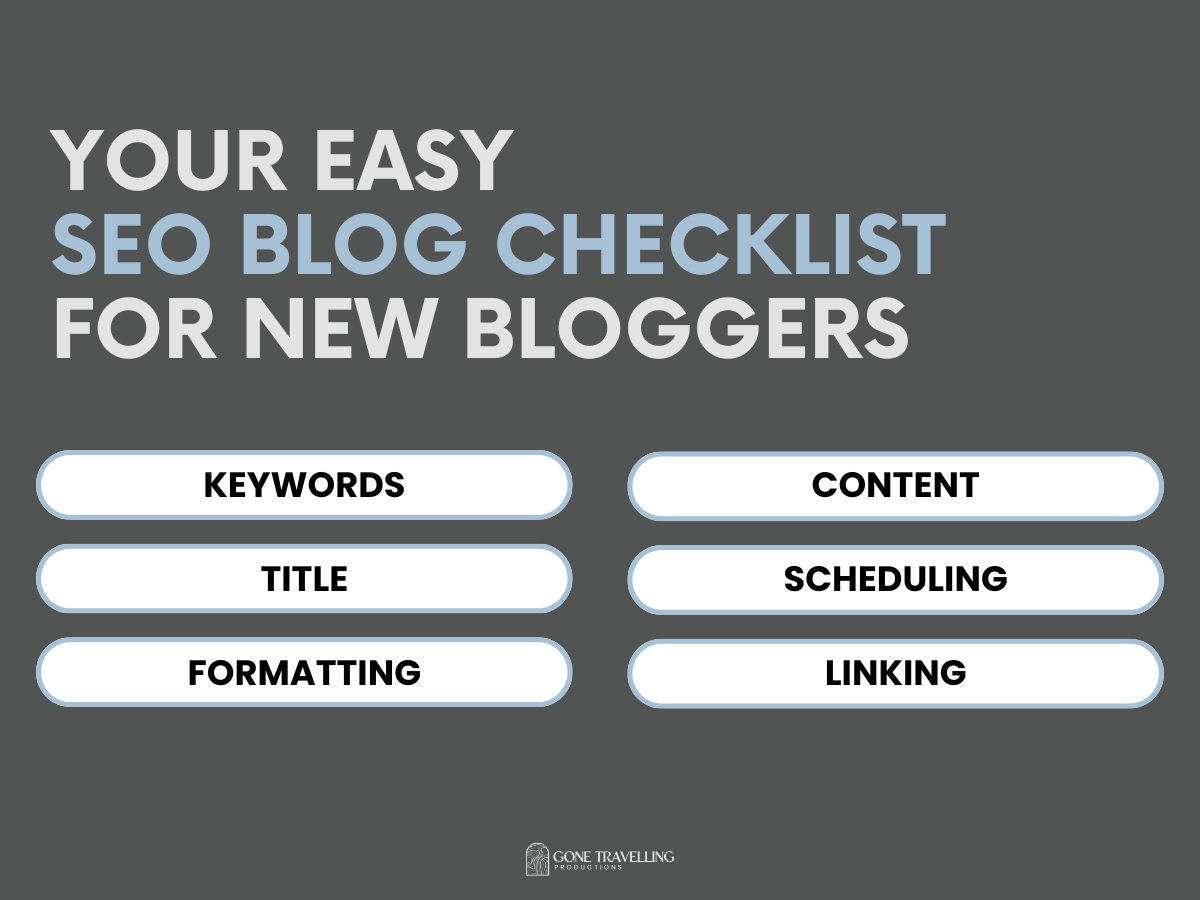
Your Easy SEO Blog Checklist for New Bloggers
The Ultimate SEO Blog Post Checklist to start a blog and grow your audience quickly!
5. Create a Content Schedule
Believe me when I say, if you don’t have a content schedule, you’re going to struggle to write consistently. When I started, I committed to posting three times a week in order to more quickly build up my blog’s credibility and views. To do this, I prepped a lot of posts so that I was about a month ahead in writing before my first post was even published.
You don’t have to post as frequently or be so ahead, but choosing a schedule and sticking to it is really important. I personally like to write in Notion and then copy and paste my finished post into WordPress, where I format and schedule it.
Just to be real, I now only post about once a month, and as much as I wish I were ahead and pre-scheduling, I’m pretty much just writing and posting whenever I have time. So, do as I say, not as I do!
6. Start Writing
There’s nothing left to do but get started! A blog isn’t a blog without blog posts, after all. Here are a few pointers when it comes to writing your blog posts:
- Aim for a word count between 1,000 and 2,000 words (posts can be longer, but this is harder to sustain).
- Use your keyword research to help come up with ideas for blog post topics. For example, I’ll look up a bunch of different words and phrases within the freelance writing niche, then write posts based on what people are actually looking up.
- My biggest tip for writing blog posts is to never start by writing the intro. My method is to create a template of the different H2 and H3 subheadings, then dive into writing the first one. E.g., for this post, the first thing I wrote was the text under “Is it Worth Starting a Blog Post in 2026?”. The intro is literally the last thing I do, as it becomes a million times easier to write what a post is about…once it’s actually written.
This is also a great time to start asking yourself if you genuinely enjoy writing blog posts or not. If you do, great! If you don’t, then starting a blog might not be the move for you. Most people agree that it takes about 100 blog posts for a site to start gaining any real traction, and if you can’t see yourself writing that much, I would suggest quitting while you’re ahead.
Read More:

Crafting the Perfect Blog Post Outline to Boost Your SEO Strategy
Learn my easy blog outline template to improve your SEO.
Launching the Blog
By this point, I am hoping your blog is made, you have a bunch of posts pre-written, and the first few have even gone live! Congratulations, you’ve officially started a blog in 2026! What happens next is that you need to start analysing your views and traffic to see what’s actually going on.
7. Analytics Set-Up
If you’re serious about launching a successful blog, then this is one of the most important steps. You can only use WordPress’s JetPack tool to loosely monitor your views and traffic, but you’ll be missing out on a whole lot of free data.
As soon as possible, you should connect your website to Google Search Console and Google Analytics. These are the best ways to monitor your blog analytics, and they’re completely free. If you don’t have a paid plan with WordPress that lets you install plug-ins, then connecting the tools can seem intimidating, but trust me, it’s simpler than it sounds. You don’t need to pay extra to get access to GSC or GA.
Google Search Console
This Google tool can be used to monitor your search ranking and clicks from Google. You can see how many clicks and impressions your content is getting, as well as the exact search queries that are leading to your blog. To get set up:
- Go to search.google.com/search-console and sign in with your Google account.
- Click “Add property”, choose URL prefix, enter your full website URL (for example, https://www.yoursite.com), then click Continue.
- Verify ownership by copying the HTML tag Google gives you into your site’s code. In WordPress, go to Appearance, then Theme File Editor. Open the header.php. code and post the tag inside the <header> section. Save, then go back to Google Search Console and click “Verify” (or verify through Google Analytics if it’s already connected).
- Once verified, click “Go to property”. It can take a few days for your site to update and appear.
Google Analytics
This is the one-stop shop for all the information you need about your audience. You can see who’s coming to your site, their country, what pages are getting the most traffic, and what those traffic sources are. GA can’t get data from before it is set up, so the earlier you connect it to your site, the better. To do this:
- Go to analytics.google.com and sign in with your Google account.
- Click “Start measuring”, enter your account name, then click Next.
- Create a property (this is your website), choose your time zone and currency, then click “Next” and “Finish”.
- Choose “Web” as the platform and enter your website URL and site name. Click “Create stream,” and Google will give you a Measurement ID that looks like G-XXXXXXXXXX. Click “View tag instructions”, then choose Install manually. Copy the full Google tag (the script code).
- In WordPress, go to Appearance, then Theme File Editor. Open the header.php code and post the Measurement ID code before </head>. Save, then go back to Google Analytics.
8. Monitor and Pivot
Once you have GSC and GA set up, you can start monitoring your data. You’ll want to keep a lookout for what kind of content is working best, and in what region. You can also monitor what the site’s traffic sources are, e.g., search engines, social media, or direct from AI chatbots.
This information is the key to figuring out what your next moves should be. Be prepared to pivot into a slightly different niche or content topics, post more or less on different social media like Pinterest and Instagram, and see what happens when you try completely new things with your blog.
At the end of the day, never forget that knowledge is power. Knowing what’s working means knowing how to make the blog work better, and eventually, knowing what your work is worth.
How to Grow Your Blog Further…
Honestly, consistency really is key when it comes to building a successful blog. Although there are plenty of other things to help along the way. This blog is filled with resources for new writers, including SEO guides, lists of free tools, and how to stay motivated when writing. You can find my latest posts on these topics below.


 Gone Travelling Productions
Leave a comment